

Product overview
SimPad PLUS

Touchscreen control · Prepared content · Mobile teaching
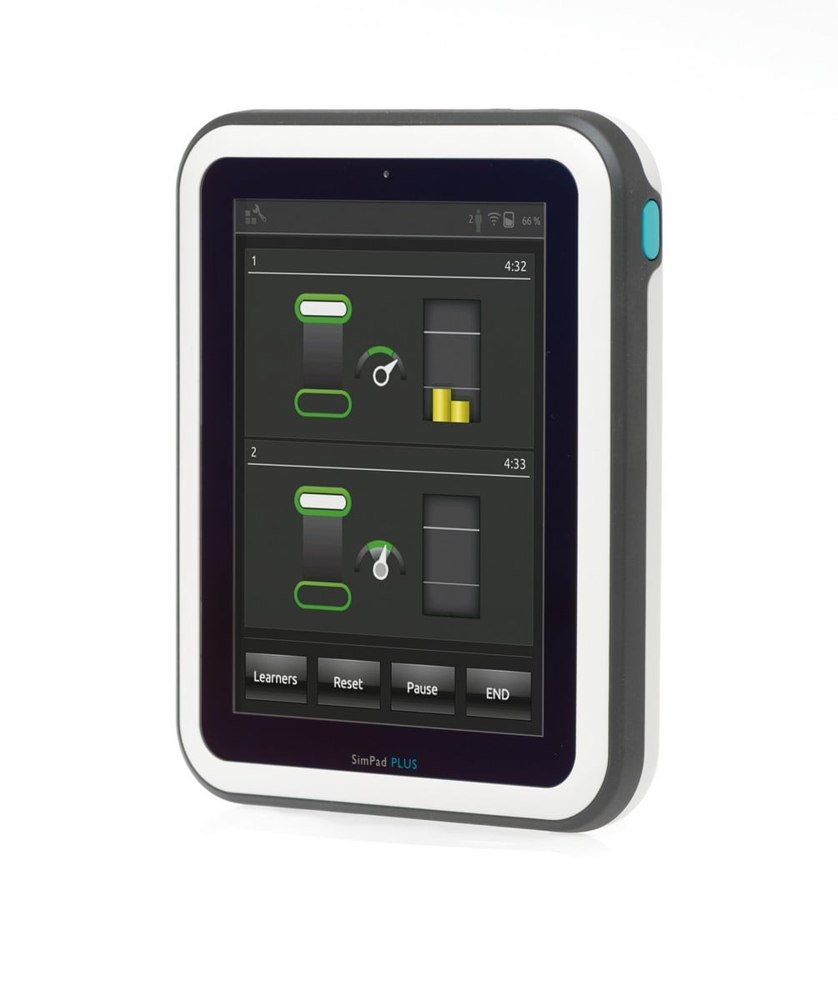
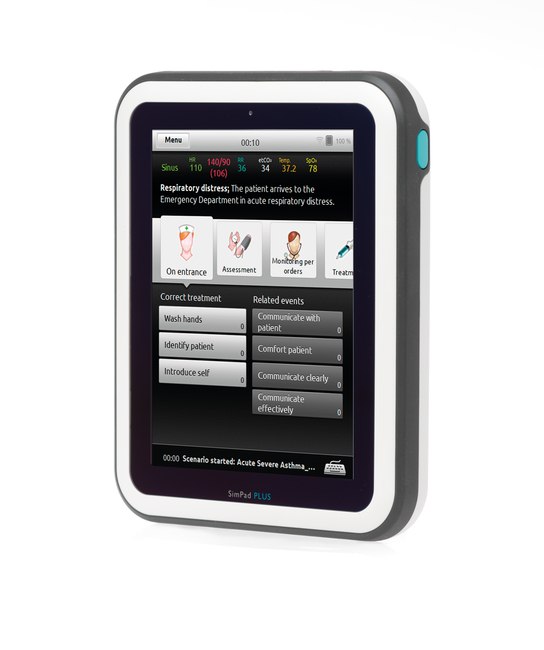
Product photograph. Configuration and accessories may vary.
Product overview
SimPad PLUS is a portable touchscreen controller for supported manikins and patient simulators. It combines physiological control, scenario delivery and a session log, helping instructors focus on teaching rather than operating equipment.
- Manual mode allows live parameter changes; themes provide one-touch changes to a patient's condition.
- Automatic mode runs prepared scenarios, using registered or simulator-detected events to progress the case.
- An optional simulated patient monitor displays vital signs, including ECG, oxygen saturation, blood pressure, breathing rate, temperature and carbon dioxide.
- The headset and microphone support two-way simulated patient communication.
- Wireless networking and supported Bluetooth connections enable mobile and in-situ teaching.
- Compatible products span adult, paediatric, neonatal and nursing platforms. Confirm the required controller, software and simulator combination for the chosen training objectives.
Product features
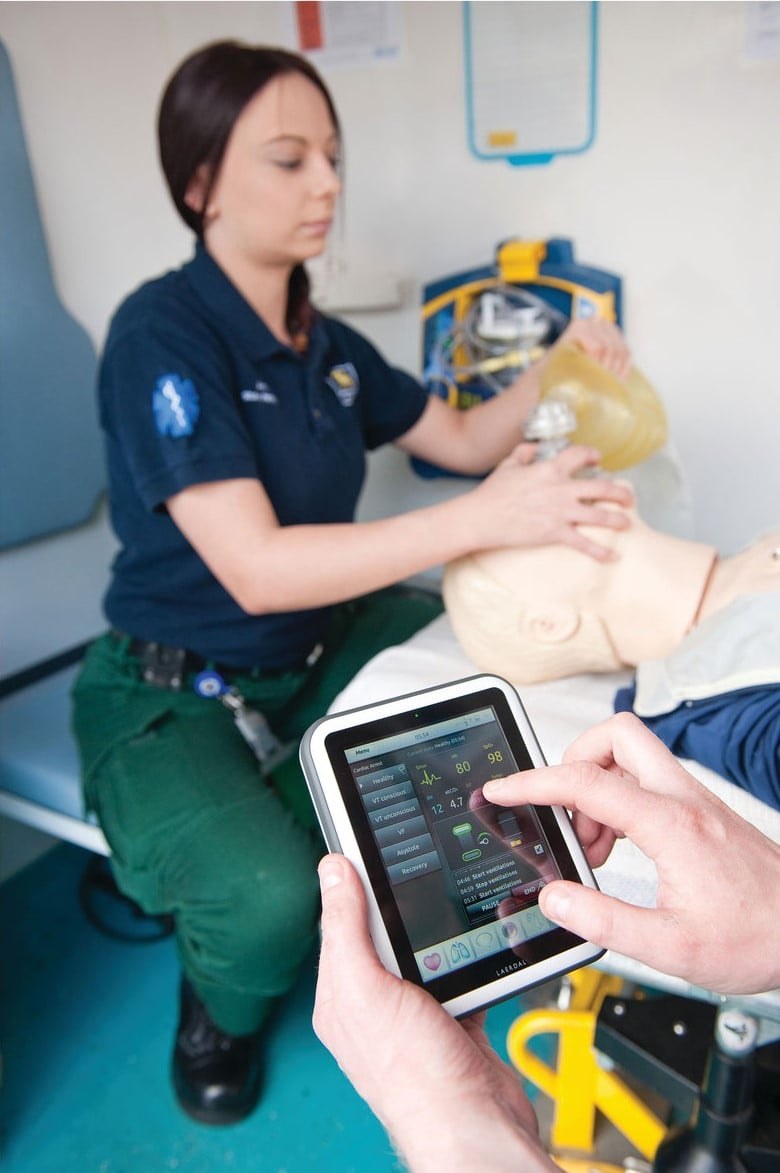
Realistic clinical experience
Enhance clinical realism and challenge critical thinking skills with dynamic monitoring and patient interaction.
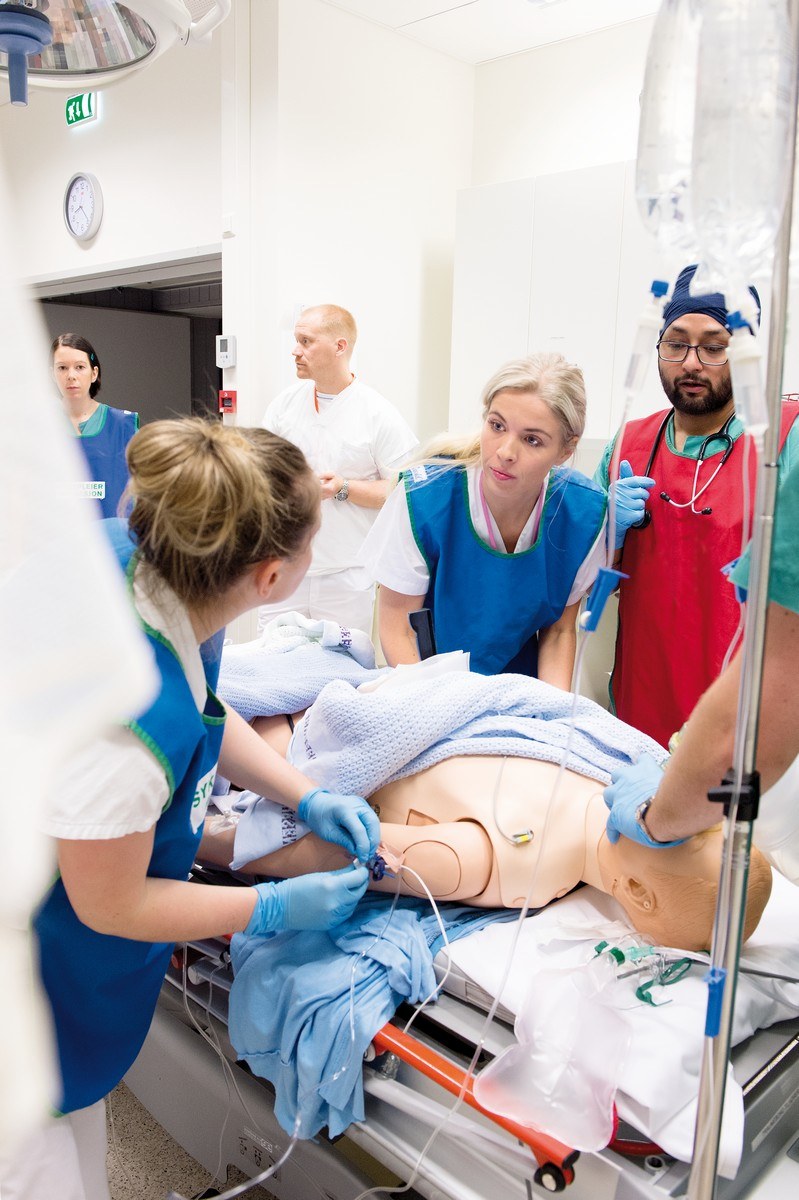
Prepare for the unexpected
In-situ simulation training enables you to identify and address latent hazards that threaten patient safety in your working environment.
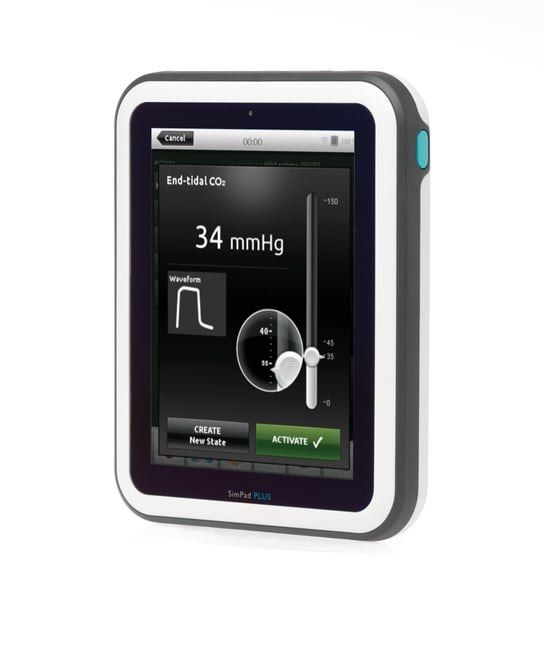
Manual Mode
Run “on-the-fly” for total control over all parameters or utilise Themes for a more consistent simulation experience. Themes provide a quick and easy way to change the patient’s condition with a single “tap”.
Automatic Mode
Utilise pre-programmed scenarios for a simple and effective way to run a simulation. The logged events, as well as events detected by the patient simulator, can automatically drive the scenario forward.
Options and configuration
Confirm the SimPad PLUS system, licences and compatible manikin configuration.
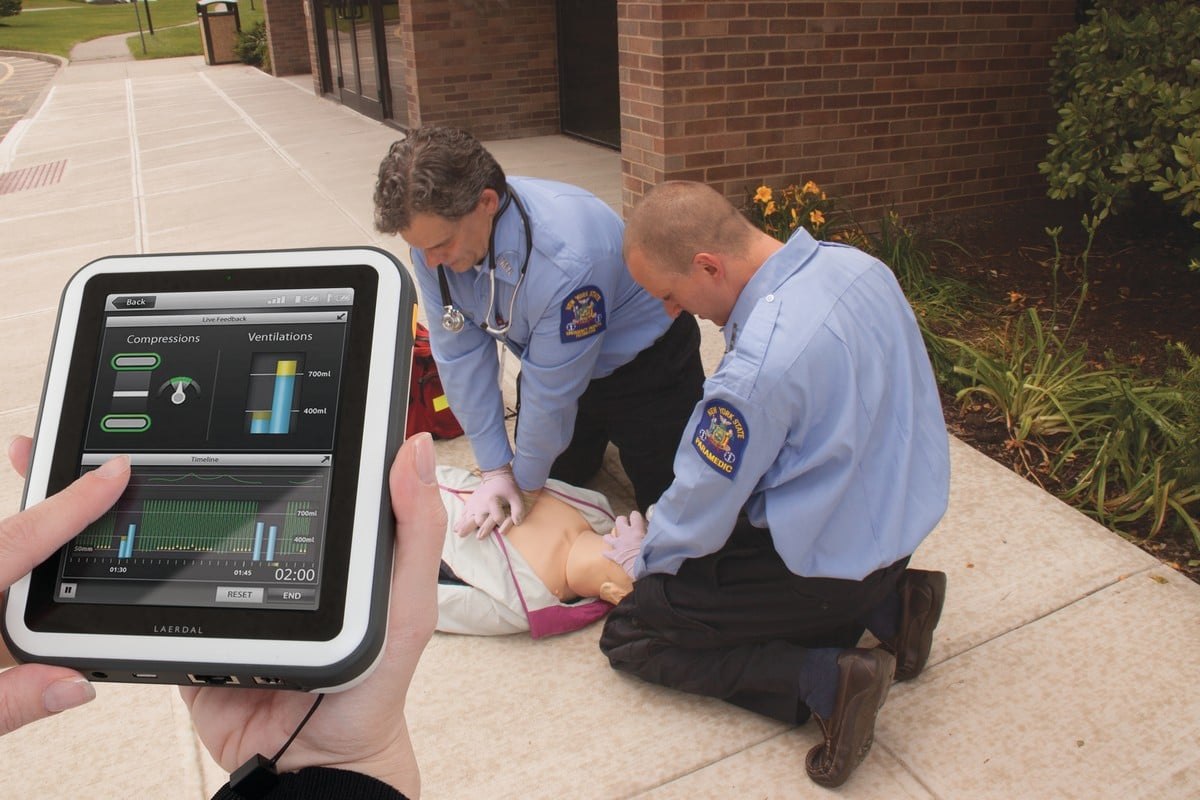
Product and training configurations shown. Confirm the selected package and any separately specified accessories.
Compatible option or accessory
Make the most of your resources
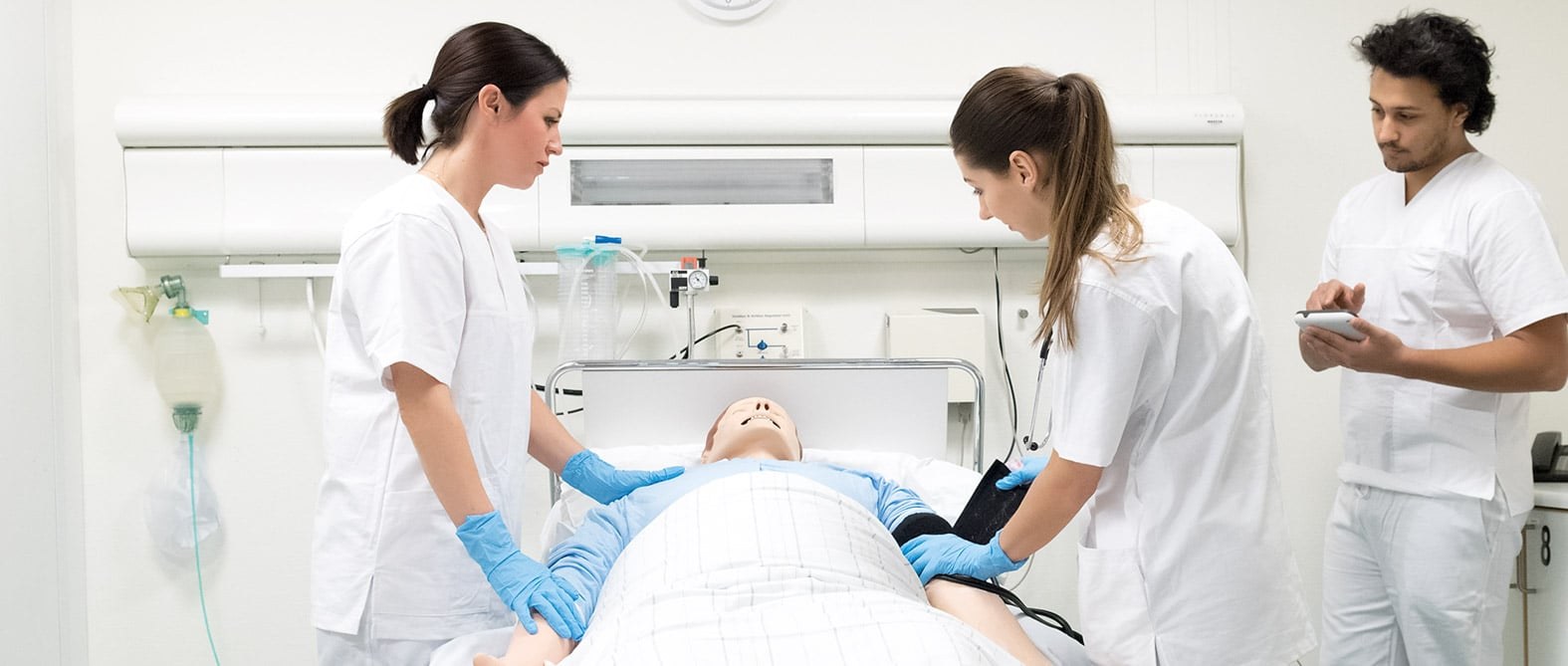
Your students are your best resources. Peer-to-Peer simulation ensures all educational opportunities are utilized and results in more comprehensive learning.
Product Downloads
English-language manuals and product documents selected for this product.
SimPad PLUS & Link Box PLUS User Guide ↓PDFSimPad PLUS Brochure ↓PDFFirst Time WiFi Setup for SimPad PLUS ↓PDFSimPad PLUS User Guide rev G ↓PDFView product support and downloads ↗
Discuss your product requirements
Contact Survival Technology about the required configuration, compatible accessories and training setup.